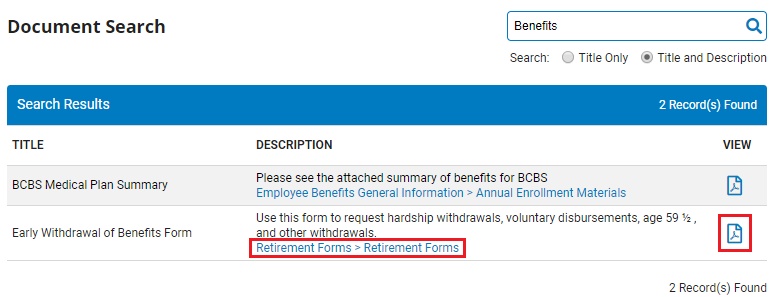
ExponentHR allows you to search for policy forms and documents by name or description.
You
are looking for a Worker's Compensation Document on ExponentHR,
but do not know what area of the site the form is located. By
clicking on the Site Search area of ExponentHR, you will be able
to search for all documents relating to an area of interest. |
To search for policy forms and documents:
1. On the Utility bar, click the magnifying glassmagnifying glass.
The Document SearchDocument Search page displays.

2. Type the document title or descriptive phrase for which you would like to search in the SearchSearch field.

Notes:
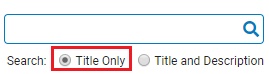
Select the Title OnlyTitle Only radio button to search for the text you entered in document titles only.
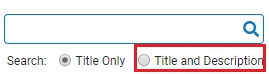
Select the Title and DescriptionTitle and Description radio button to search for the text you entered in the title and description of each document on the site.
3. Click the Enter key on your keyboard.
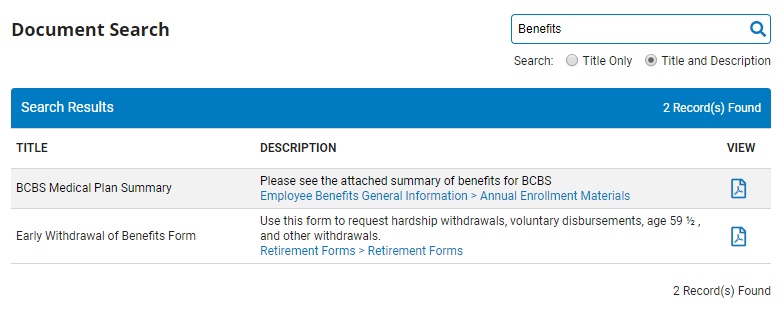
Result: The Document SearchDocument Search page with the results will display with the a list of all forms and documents in ExponentHR that match the search criteria you entered. You may view any of these documents by selecting the corresponding hyperlink in the Search ResultsSearch Results table.